
The Messages tab
Direct patient-to-clinician messaging in Pippa: meal-anchored messages, broadcasts to your whole caseload, and the rules and limits that govern them.
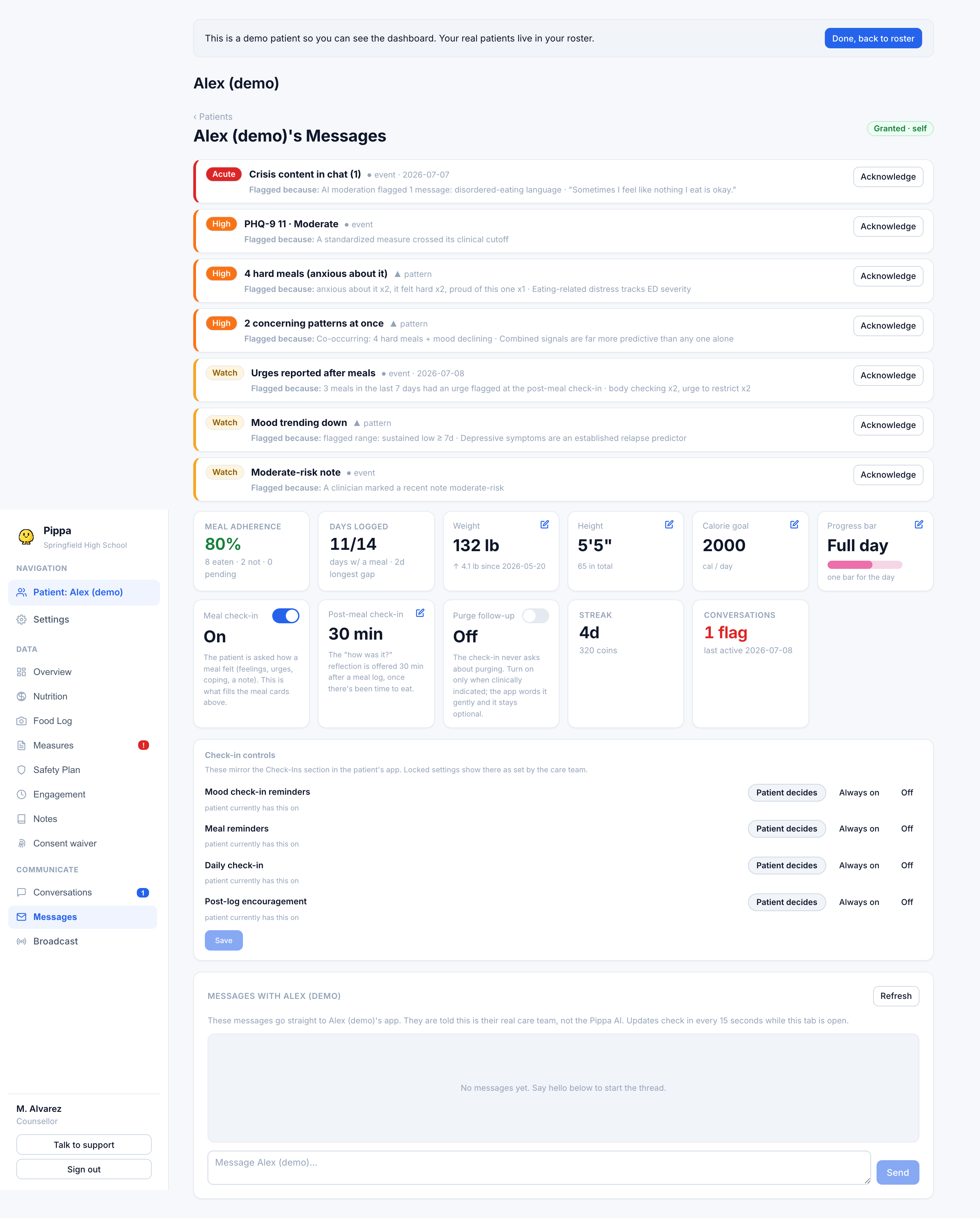
The Messages tab is a direct, two-way thread between you and one patient. Unlike the Pippa AI tab, which shows the AI companion, these messages go straight to the patient and are clearly labeled in their app as coming from their real care team, not from Pippa AI.
This tab reaches the patient. To talk privately to the other clinicians on a patient's team, where the patient never sees it, use the Team Chat tab instead. See The care team.
How the thread works
Open the tab to load the conversation. It refreshes every 15 seconds while the tab stays open, and opening it marks the thread read (clearing the unread badge in the sidebar). Type in the box and press Send or Enter to send; Shift+Enter adds a line break.
When you send, the patient gets a push notification on their device. That push carries no message content and no sender name, only generic New message from your care team copy, so nothing sensitive shows on a lock screen. The dashboard itself is pull-only, so you will not get a push when the patient replies; check the unread badge or the tab.
Meal-anchored messages
A patient can start a message from a specific food-log entry, for example to ask about a meal they logged. Those arrive tagged About a logged meal so you know the message is anchored to a particular entry rather than a general note. This lets a patient ask "was this okay?" about one meal without it getting lost in a longer thread.
Broadcasts
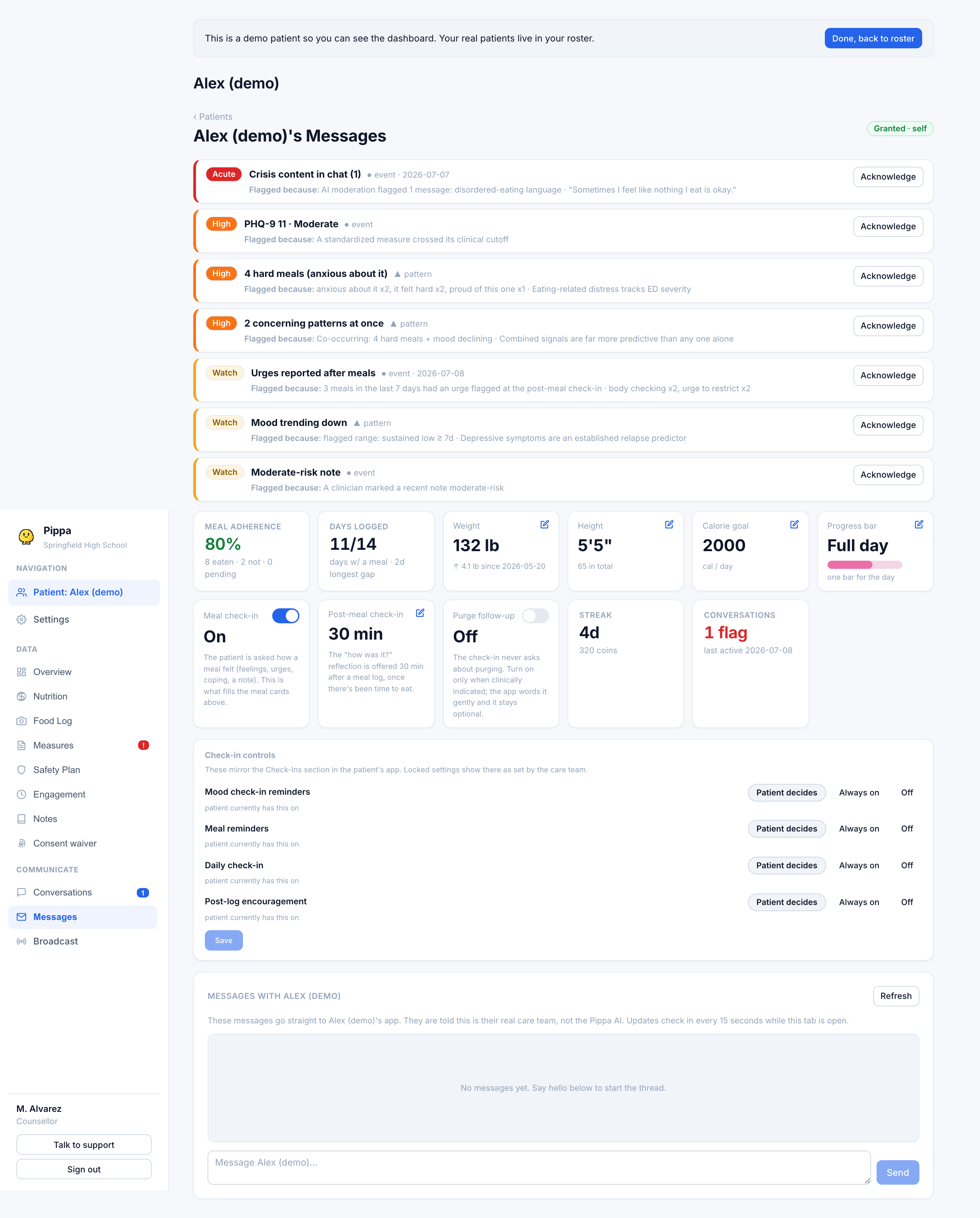
A broadcast sends one message to your entire consented caseload at once. Each recipient gets their own copy in their own thread, tagged Announcement in their app, and each gets the same generic push. Use it for things that apply to everyone, like a schedule change or a group reminder.
Replies to a broadcast come back to you as normal one-to-one messages in each patient's thread. Patients never see each other, and one patient can never see another's reply.
Rules and limits
- Consent gated. A thread exists only where the patient has a granted consent with you. No consent, no messaging, and if a patient revokes, the thread closes on their next action.
- Per clinician. Messaging is tied to your own consent pair. A colleague's grant does not let you message that patient.
- Message length. Messages are capped at 2000 characters.
- Removed patients. If a patient is removed from your roster, they stop receiving your messages and broadcasts.
- Safety screening. Patient messages run through the same safety filter as their chat. A self-harm flag records the concern and pages the care team by email, exactly as on the Pippa AI tab. Messages are never mixed into the AI chat history.