
What Pippa is
The care model behind Pippa, and the ED-safe design choices that shape everything your client sees.
Pippa is a recovery support tool for people with eating disorders. It has three parts that work together, and one guiding rule that shapes all of them: it is safe for someone in recovery to use every day.
Start here. Once the design philosophy clicks, most "why does it work this way?" questions answer themselves.
The three parts
The patient app and your dashboard are two windows onto the same client. When you change a setting on the dashboard, the app picks it up the next time it refreshes. When your client logs a meal, it appears in your view. See Your first 15 minutes for the tour.
The dashboard runs both as a web app and as a mobile app on the App Store (iPhone) and Google Play (Android) called Pippa for Clinicians, with the same login and the same data either way. Use whichever fits. A patient's family supporter can use the same app too, on a scoped view of just their patient; see Family access.
The care model
Pippa does not replace you. It works between sessions.
Your client uses the app in their daily life. The app captures the recovery signals that usually get lost between appointments: whether meals actually happened, how they felt, what urges came up, how the week trended. You review those signals on the dashboard, on your own time, and you bring what matters back into the room.
Nothing your client sees is presented as a test. Nothing you see is presented as a verdict. The dashboard gives you honest signal so you can ask better questions.
What Pippa is NOT
This is the most important section on this page. Pippa is deliberately not a diet or tracking app, and the differences are intentional.
Every choice below exists to keep a person in recovery safe. Please do not ask us to "just show the patient their calories" or "add a streak counter with a target." Those are the exact features that harm this population.
Numbers are hidden from the patient. Calorie estimates, weight, and goals live on your dashboard, not in the patient's app. Weight and height are clinician-owned. The patient can log a meal by photo without ever seeing a calorie number. You decide, per client, whether the app shows a soft progress bar and in what form. See Patient Overview tiles for the progress-bar modes.
Streaks are soft. There is a streak, but it is gentle and forgiving. There are rest days. A missed day is never framed as failure, and notifications never nag about a broken streak.
Skipping is never styled as failure. When a client skips a meal, the app accepts it warmly. There is no red mark, no guilt copy. A logged-but-not-eaten meal is simply an honest signal for you, not a mistake for them.
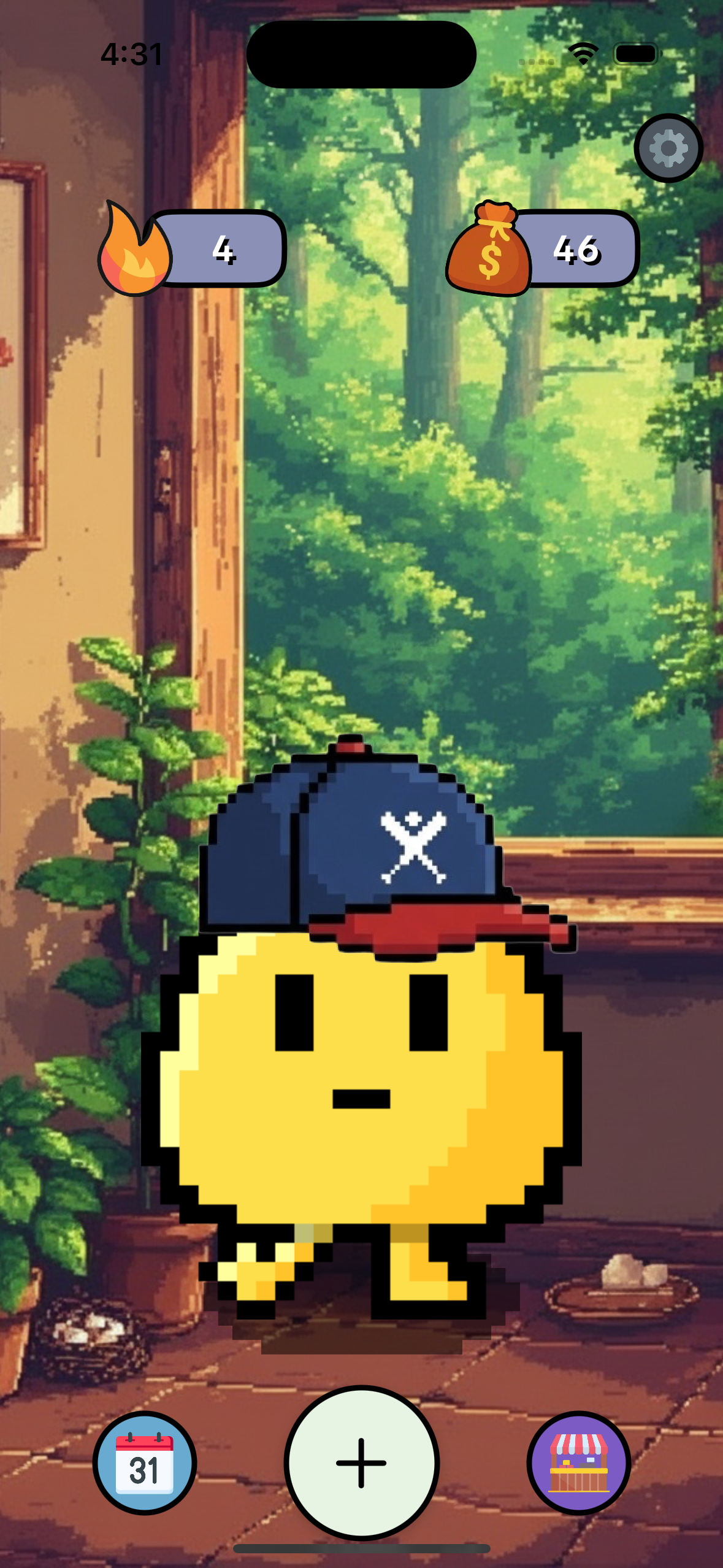
No pass or fail, anywhere. The pet, coins, and small rewards exist for warmth and engagement, not scorekeeping. We intentionally never explain exactly how coins are awarded, so the app can never be gamed or turned into another number to optimize.
Notifications are support-only. Reminders are gentle and never framed around goals, numbers, streaks, or calories.
Your access to a client's data is gated by their consent, and some things (like their private journal without separate opt-in) you cannot see. Read Roles next, then Onboarding a patient.